

You’ve heard it before: “You’ve got to be on Sales Navigator.” So, you signed up, played around with a few filters, and fired off some messages. But the results? Not quite what you expected.
The good news? Your approach is likely already on the right track – you just need to refine your strategy. And with a few small strategy tweaks, you can turn Sales Navigator into your most powerful LinkedIn lead generation tool.
Below, we’ll break down the most common sales navigator mistakes and how to fix them and show you exactly how to optimize your approach. You’ll learn proven Sales Navigator best practices for smarter searches, better messaging, and authentic follow-up, so your outreach feels personal, not pushy.
Treating Sales Navigator Like a Database Instead of a Strategy
It’s easy to see Sales Navigator as a list of contacts. The real game-changer is applying a strategy that prioritizes connections over contacts, transforming filtered results into meaningful conversations.
Why filters alone don’t build relationships
Most users treat Sales Navigator filters like a contact-export tool: search, export, send. But filters only work when guided by a strong LinkedIn personal branding strategy and a defined audience persona. Otherwise, you’ll end up with titles that fit perfectly, but with no real engagement.
Fix: Align your search with your personal brand and audience persona
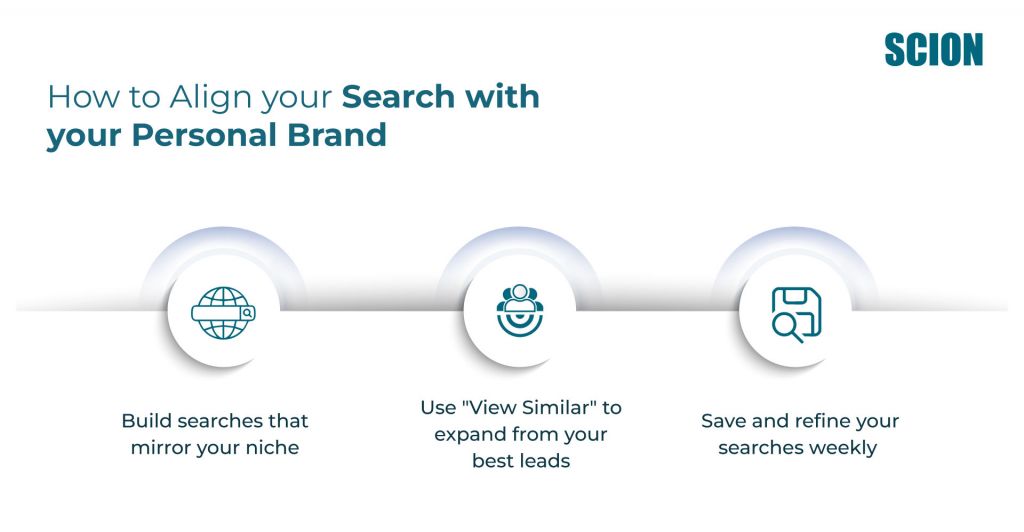
- Build searches that mirror your niche: Don’t just rely on job titles and industries. Filter by company size, seniority, and shared goals so your list reflects people most likely to benefit from your offer. Review their profiles and posts to validate the fit before reaching out.
- Use “View Similar” to expand from your best leads: When you find a profile that’s a perfect match, use the “View Similar” feature to uncover others with the same traits. It’s an easy way to scale precision targeting.
- Save and refine your searches weekly: Monitor which filters yield the most engagement. Update or exclude criteria based on who’s responding. That’s how best Sales Navigator filters for qualified leads become a self-improving system.
Key takeaway:
Don’t just search, strategize. When your search strategy supports your personal branding on LinkedIn, your outreach feels more natural and less “salesy.”
Under- or Over-Automating LinkedIn Outreach
Automation can save time, but only when it complements genuine engagement. A balanced approach ensures you reach more people without coming across as robotic or pushy.
The myth of “set and forget” automation
Many users think automation is a silver bullet. Either they barely touch it, sending a few repetitive messages, or they over-automate and risk looking spammy or hitting limits. The truth is you can avoid LinkedIn automation limits safely by pairing automation with authentic engagement.
Fix: Combine smart tools with authentic engagement
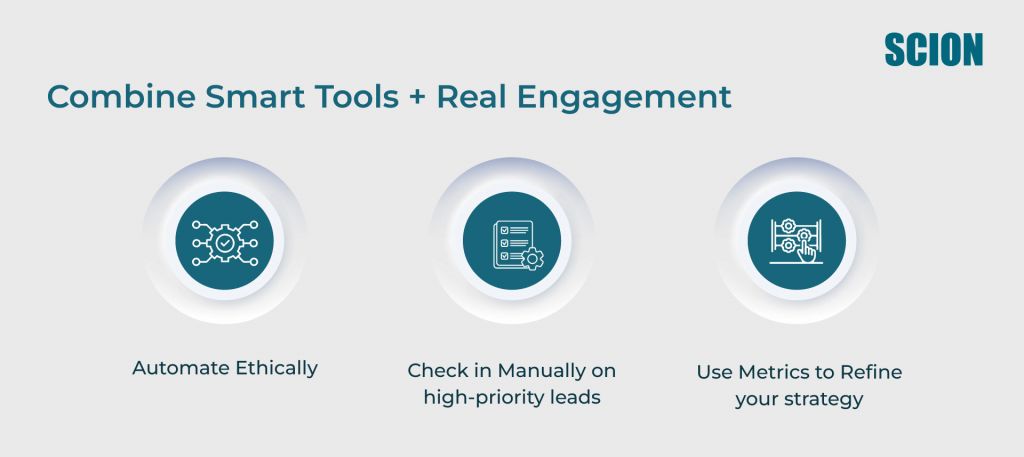
- Automate ethically: Schedule connection requests and follow-ups but customize templates using profile cues or mutual interests.
- Check in manually on high-priority leads: Use automation for volume but spend time personally engaging with your most promising prospects.
- Use metrics to refine your strategy: Monitor acceptance rates, InMail replies, and clicks to improve both automated and manual outreach.
Learn more about blending automation tools with real engagement in our guide to LinkedIn outreach personalization using Sales Navigator data.
Key takeaway:
Automation supports, not replaces, authentic interaction. Use it thoughtfully to scale outreach without losing trust.
Sending Generic InMails That Get Ignored
Even perfectly targeted leads won’t respond to generic messaging. Engagement comes when your messages are relevant, personal, and provide clear value.
Personalization is your superpower
Crafting InMails with personal context transforms a message from noise into opportunity. Use insights from Sales Navigator, like recent posts, shared groups, or mutual connections, to create messages that feel thoughtful and relevant.
Fix: Personalize using activity data, profile cues, and mutual interests
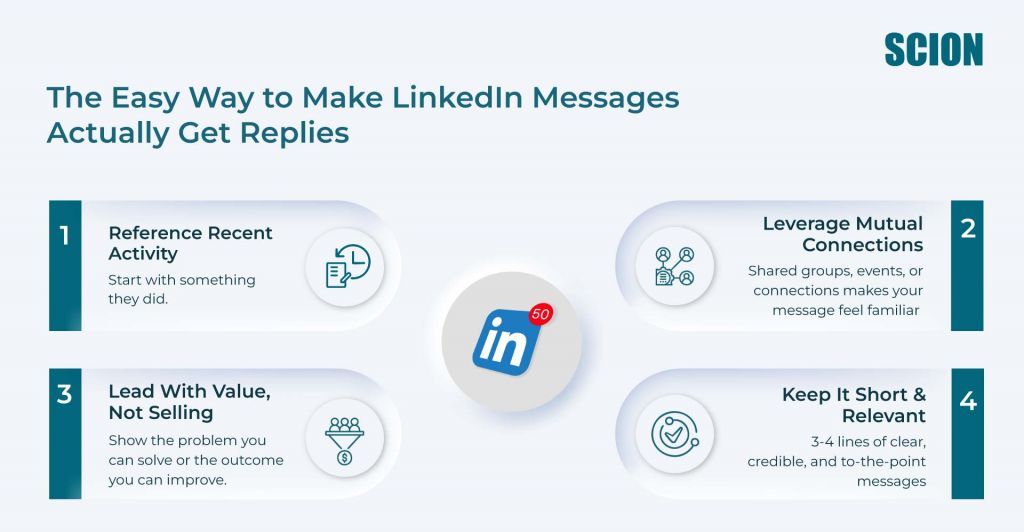
- Reference recent activity: Mention a post, article, or comment they shared. This signals that you’re paying attention and sets the stage for a meaningful connection.
- Leverage mutual connections or interests: Highlight shared groups, events, or certifications. Showing common ground makes your message feel familiar rather than cold.
- Focus on value, not selling: Instead of pushing your product, explain how you can help them solve a specific problem or achieve a goal. A clear benefit makes them more likely to respond.
- Keep it concise but engaging: Aim for 3-4 short sentences that convey relevance, credibility, and next steps without overwhelming the reader.
Find out how to write LinkedIn InMail that gets replies in our LinkedIn InMail templates for examples of messages that get real responses.
Key takeaway:
Contextual, personalized messaging via LinkedIn outreach personalization using Sales Navigator data converts better than generic copy.
Ignoring Personal Branding in Outreach
Your profile sets the stage. Even perfect targeting won’t convert if your personal brand doesn’t communicate trust, credibility, and expertise.
Why prospects respond to strong profiles
A polished profile signals professionalism. A clear bio, photo, and story make leads feel confident connecting and engaging with you.
Fix: Optimize your LinkedIn presence
- Complete every section: Your profile photo, headline, summary, and experience should clearly convey your expertise.
- Showcase stories and achievements: Highlight successes, results, and client impact. People connect with narratives, not titles.
- Align messaging and brand: Make sure your profile reinforces the value you communicate in InMails and outreach.
Learn how to strengthen your LinkedIn presence and post-connection nurture sequence on LinkedIn with How to Unlock the Power of Your Personal Brand on LinkedIn.
Key takeaway:
A strong profile builds trust and makes Sales Navigator outreach more effective.
Not Using Lead Alerts and Smart Links Strategically
Sales Navigator alerts and Sales Navigator Smart Links reveal prospect behavior, so you know exactly when to reach out. Ignoring them means missing prime engagement moments.
How to leverage behavioral data and activity updates
Timing is everything. Alerts and Smart Links help you deliver content and follow-ups when your leads are most receptive.
Fix: Create timely, value-driven follow-ups
- Set up alerts for key actions: Job changes, content shares, or profile views are engagement signals.
- Leverage Sales Navigator Smart Links examples for follow-ups: Share trackable content like guides, PDFs, or presentations and follow up based on engagement.
- Tailor follow-ups to context: Reference the lead’s activity to show attentiveness.
Enhance your tracking and engagement and learn how to use Sales Navigator alerts to improve reply rates with How to Use LinkedIn Sales Navigator for Networking.
Key takeaway:
Timely, contextual outreach turns insights into opportunities. Alerts and Smart Links make your follow-ups smarter and more effective.
Failing to Nurture Post-Connection Relationships on Sales Navigator
Connections are just the start. Thoughtful engagement over time converts them into conversations, opportunities, and long-term partnerships.
How consistent engagement turns connections into conversations
Without follow-up, leads often go cold. Following up with value, insights, and attention establishes trust and keeps your brand top-of-mind.
Fix: Implement a multi-step post-connection sequence
- Plan a 3-5 touch sequence: Mix messages, content shares, and engagement in posts to maintain visibility and relevance.
- Provide helpful resources: Offer guides, insights, or introductions that demonstrate your expertise and support their goals.
- Track responses and refine your cadence: Use analytics to see what resonates and adapt follow-ups for maximum impact.
For practical examples of a post-connection nurture sequence on LinkedIn, take a look at these LinkedIn InMail templates.
Key takeaway:
Every connection has potential. A structured, thoughtful follow-up sequence turns contacts into long-term relationships.The Final Takeaway: Strategy Unlocks Sales Navigator’s Power
Sales Navigator is a powerful platform when paired with thoughtful strategy, personalization, and consistent follow-up. By aligning your outreach with your personal brand, leveraging insights, and nurturing connections, you can turn every lead into a meaningful conversation and every connection into a long-term relationship.
This works best when you follow a daily Sales Navigator workflow for small teams, integrating Sales Navigator with CRM for tracking leads.
FAQ’s
Often, the issue is the approach, not the tool. Refine filters, personalize outreach, and strengthen your profile. Regularly review engagement metrics to optimize your Sales Navigator lead generation.
Top mistakes include treating the tool as a database, under- or over-automating, sending generic InMails, ignoring branding, neglecting alerts and Smart Links, and skipping follow-ups. Each is fixable step by step.
Define your ideal customer profile, then apply filters like job title, seniority, company size, industry, and location. Validate profiles manually and save searches for ongoing monitoring. Explore the best Sales Navigator filters for qualified leads and Sales Navigator saved search setup, step by step.
Alerts inform you of profile changes, content shares, and engagement with your materials. Acting quickly on these insights increases the likelihood of a response. Learn how to use Sales Navigator alerts to improve reply rates.
Yes. Sales Navigator vs LinkedIn Premium for prospecting favors Sales Navigator due to advanced search, lead recommendations, alerts, InMail credits, and CRM integrations.
Focus on quality over quantity. Many teams send 5-10 personalized messages daily, balancing reach with thoughtful engagement.
Use profile data, activity, and shared connections for semi-customized templates. Keep messages relevant while automating the repetitive parts.
Use daily Sales Navigator workflow for small teams. Review saved searches, track alerts, send personalized InMails, follow up based on engagement, and monitor Smart Link interactions for ongoing improvement.
Smart Links let you share trackable content like PDFs or case studies. You can monitor views, clicks, and downloads for targeted follow-ups.
Sync leads, notes, and engagement using native CRM integrations or LinkedIn exports. This ensures smooth tracking for outreach and nurturing.
